
How to Pick the Best Power Bank for a Handheld Gaming PC
The best power bank for a handheld gaming PC is the Anker Laptop Power Bank...

933 articles published
The best power bank for a handheld gaming PC is the Anker Laptop Power Bank...

A mini itx build guide comes down to one rule: choose the case first, then...
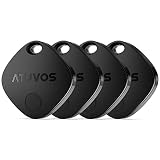
Best bluetooth tracker for luggage without subscription: ten Find My and Find Hub tags, cards, and vehicle trackers compared by network and battery.
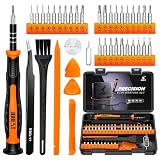
The best precision screwdriver kit for laptop repair: ten sets compared by bit types, magnetic tips, piece count, and MacBook, PC, and console fit.
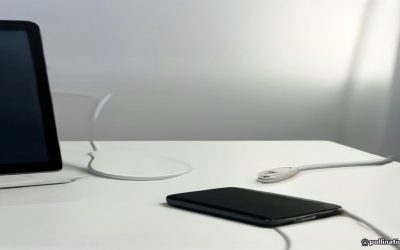
Best USB C charger for iPad and MacBook travel: ten 65W-class GaN chargers compared by ports, plug design, and how they share power across devices.
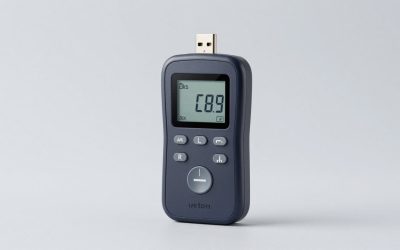
The best USB C power meter for 240W cables: ten testers compared by voltage and current range, E-marker reading, display, and logging features.
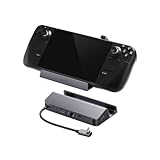
Steam Deck OLED vs ROG Ally X compared on screen, chip, battery, software and docking, with a checklist to pick the right handheld.
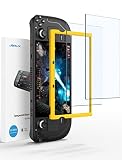
Is a gaming handheld worth it? Battery math, game compatibility, storage needs and useful accessories to help you decide before you buy one.
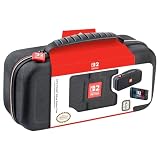
Nintendo Switch 2 vs Steam Deck: screen, battery, game library and storage compared, plus four Switch 2 carrying cases that fit the console.
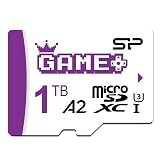
Best microSD cards for Steam Deck compared by capacity, UHS-I speed class, A2 rating and warranty, with six picks from 512GB to 2TB.